How to check accounts in OnBoard™ IoT Security
This article will guide you on how to check account information, AK (Access Key), and SK (Secret Key) in OnBoard™ IoT Security (OBIS).
Instructions
-
Sign in to OBIS.
-
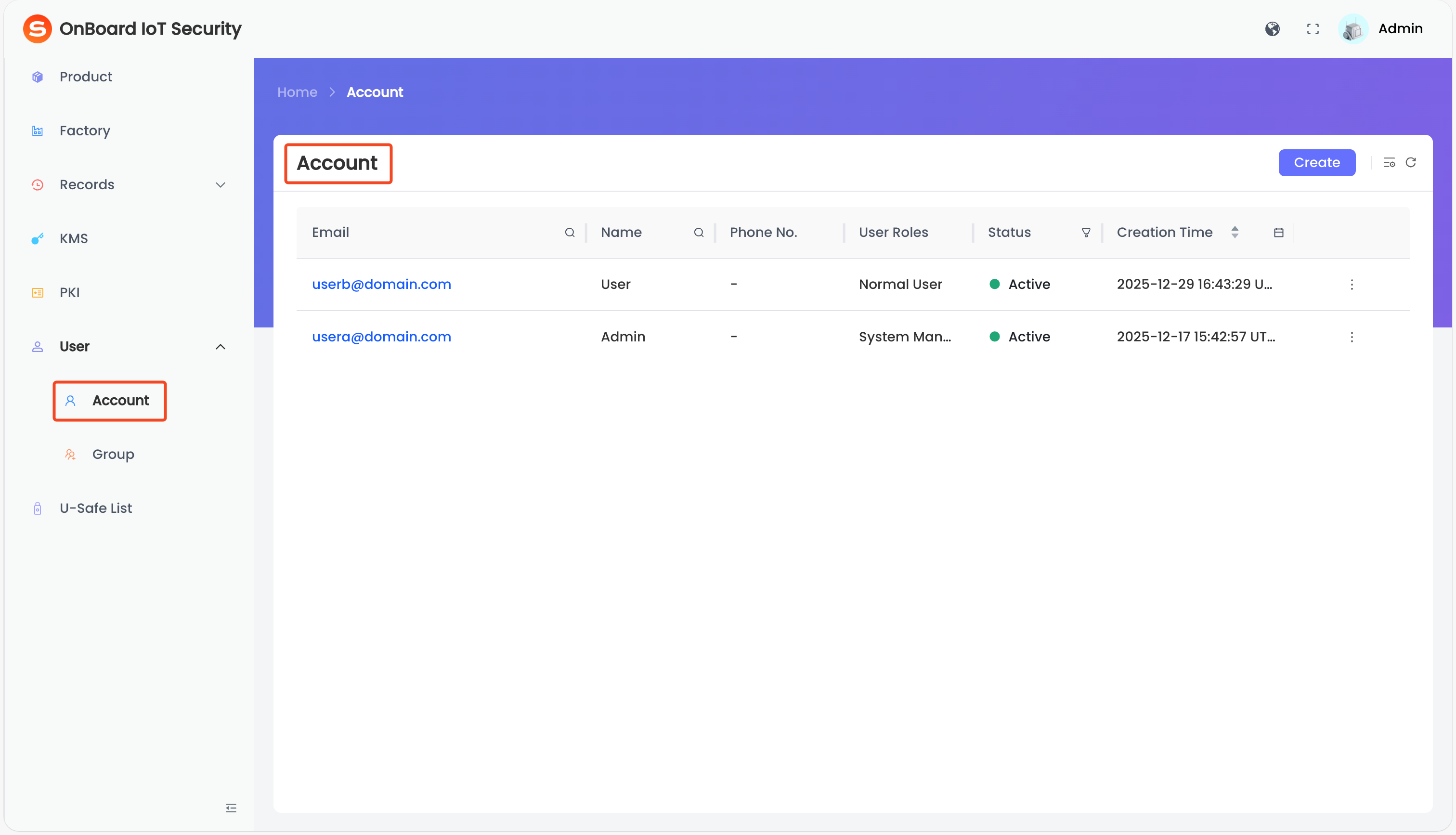
In the left menu, click User > Account to navigate to the Account page.
-
On the Account page, select the corresponding email.
-
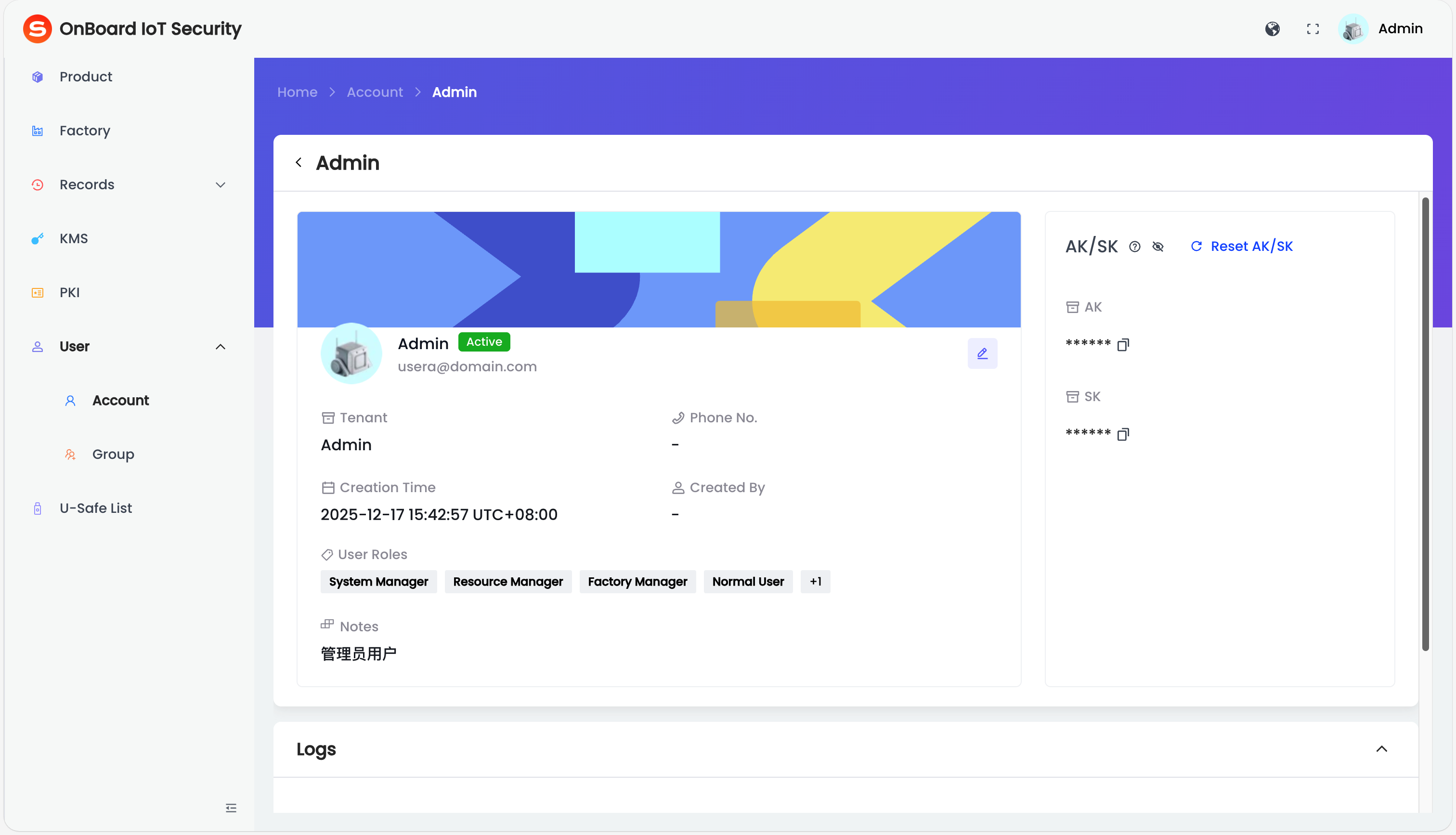
On the user page, you can check the account-related information (such as Tenant, Creation Time, Created By, and Logs).
tipIn the AK/SK area, you can view or reset the AK or SK. AK and SK can be used for authentication and API calls.

 Download User Manual