How to create an account in OnBoard™ IoT Security
This article will guide you on how to create an account in OnBoard™ IoT Security (OBIS) so that you can add users to access and operate OBIS.
Prerequisites
Before getting started, please ensure that you have OBIS role permissions as a System Manager.
Instructions
-
Sign in to OBIS.
-
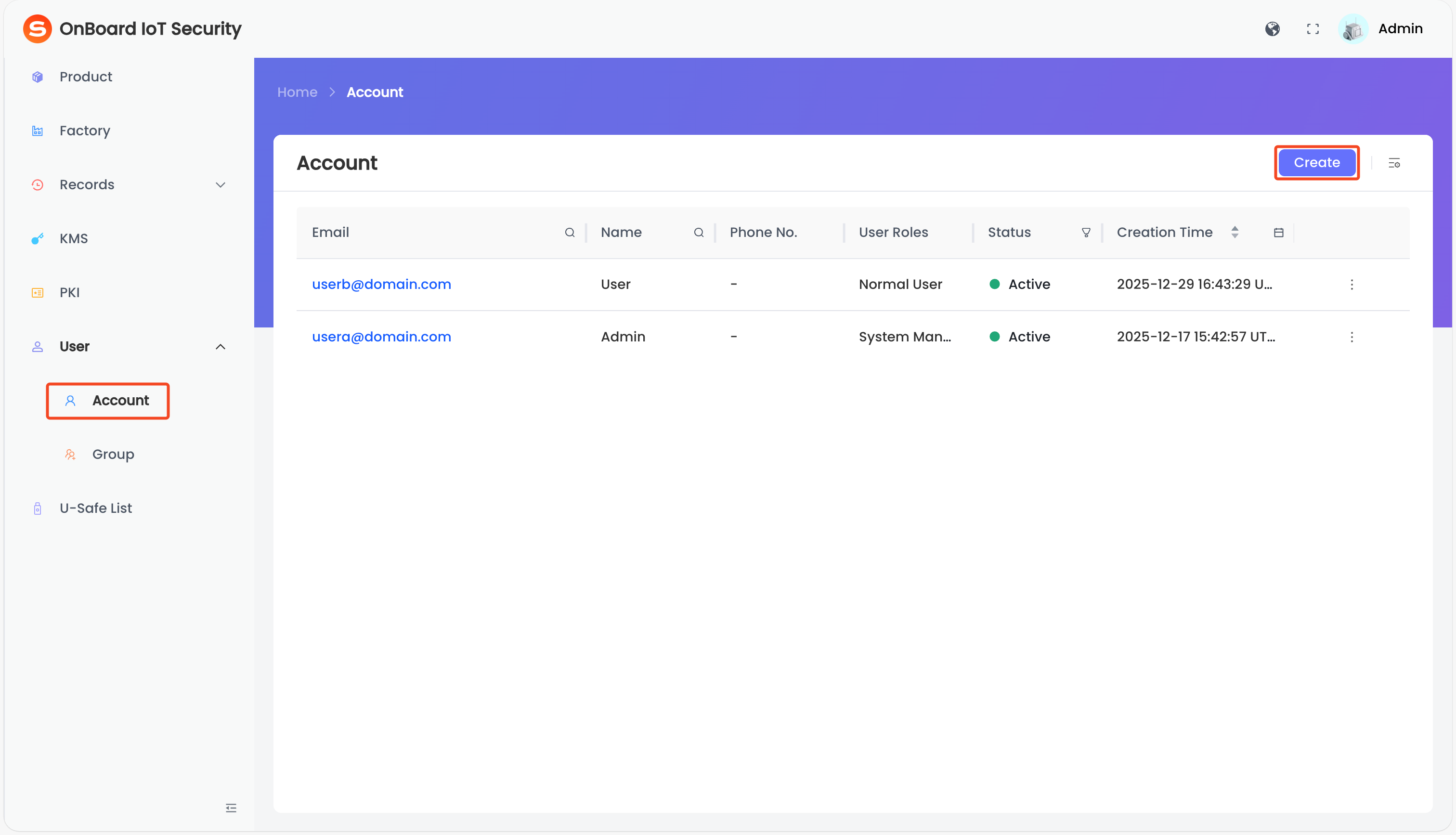
In the left menu, click User > Account, and then click Create.
-
On the Create Account page, select and enter the user-related information.
tipFor more information, refer to the Role classification and permission description.
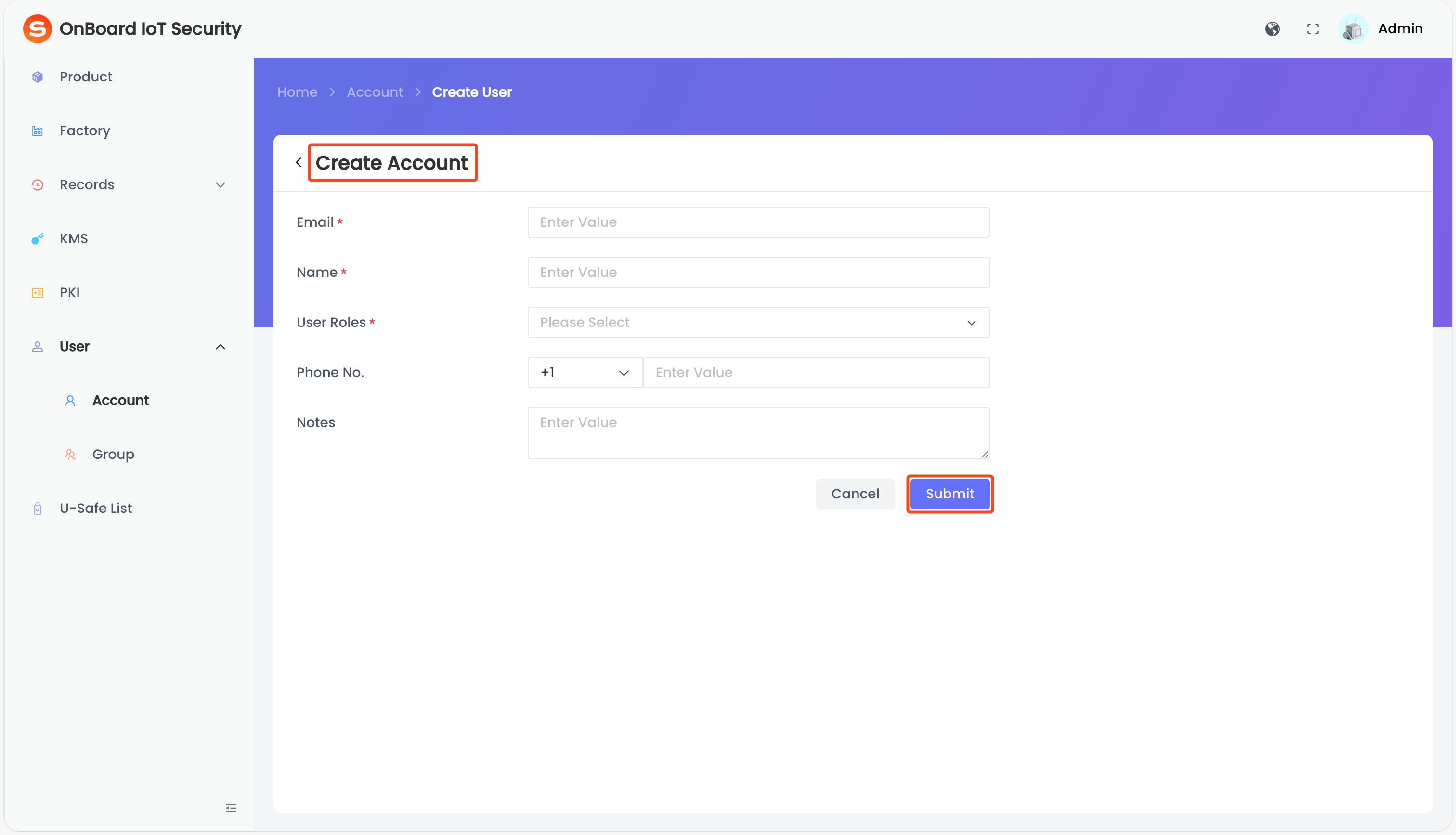
Description of user information:
Information Mandatory Description Email Yes User email, used to receive notifications and verification information; it must be real, valid, and unique.
Note: After the account is created, the email can't be changed.
Name Yes User name, which does not need to be unique. User Role Yes A user can be assigned multiple roles. User roles determine the user's access and operation permissions. For more information, refer to the Role classification and permission description. Phone No. No Provide an additional contact method besides email for easy communication. Notes No Provide additional information related to the user, such as special requirements and important notes. -
Click Submit to complete the account creation.

 Download User Manual