How to check groups in OnBoard™ IoT Security
This article will guide you on how to check group details in OnBoard™ IoT Security (OBIS).
Instructions
-
Sign in to OBIS.
-
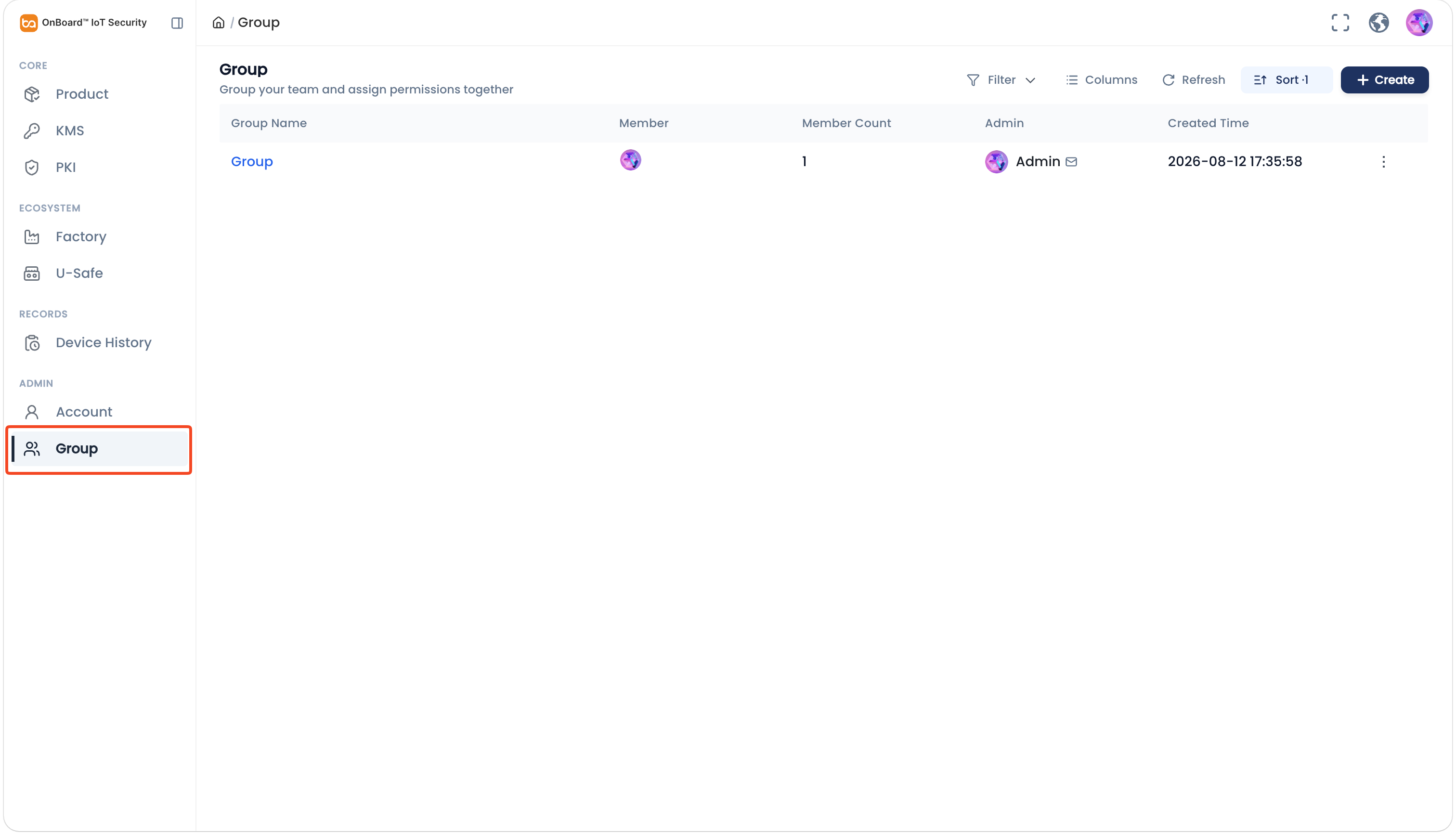
In the Admin section of the left menu, click Group to navigate to the Group page.
-
On the Group page, select the corresponding group.
-
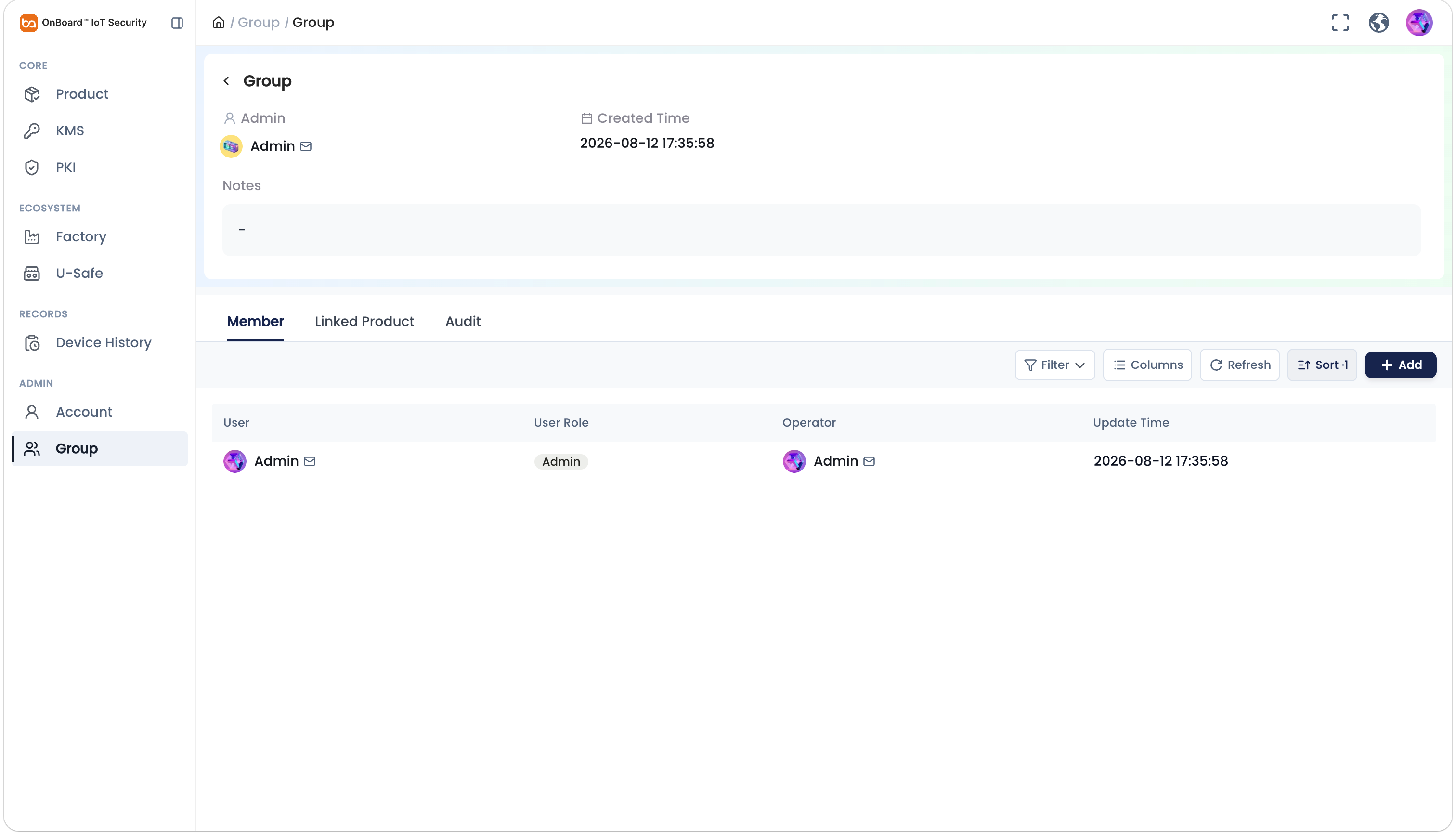
On the group page, you can check the group related information (such as Member, Linked Product, and Audit).

 Download User Manual