How to install Programming Station
info
Currently, the Programming Station client is available only on Windows.
This article will guide you on how to install the Programming Station client.
Prerequisites
Before getting started, please ensure that you have obtained the installation package for the Programming Station client from Snowball.
Instructions
-
Run the installation package of the Programming Station client to start the installation.
-
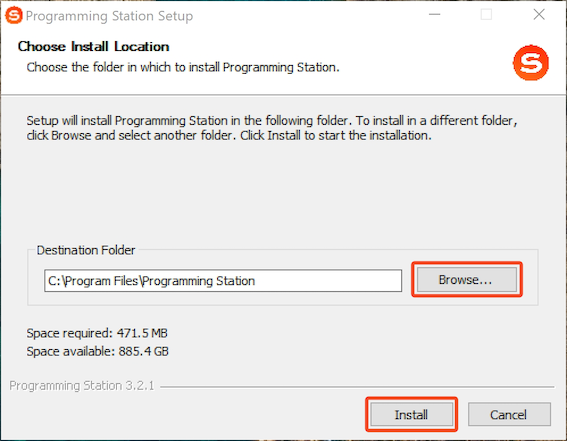
In the Choose Install Location window, click Browse to specify an installation location (or use the default path) for the client, and then click Install.
-
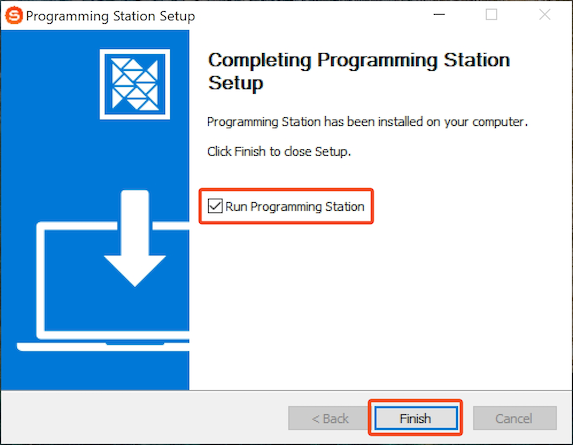
In the pop-up window, select the Run Programming Station check box as needed, and then click Finish.
-
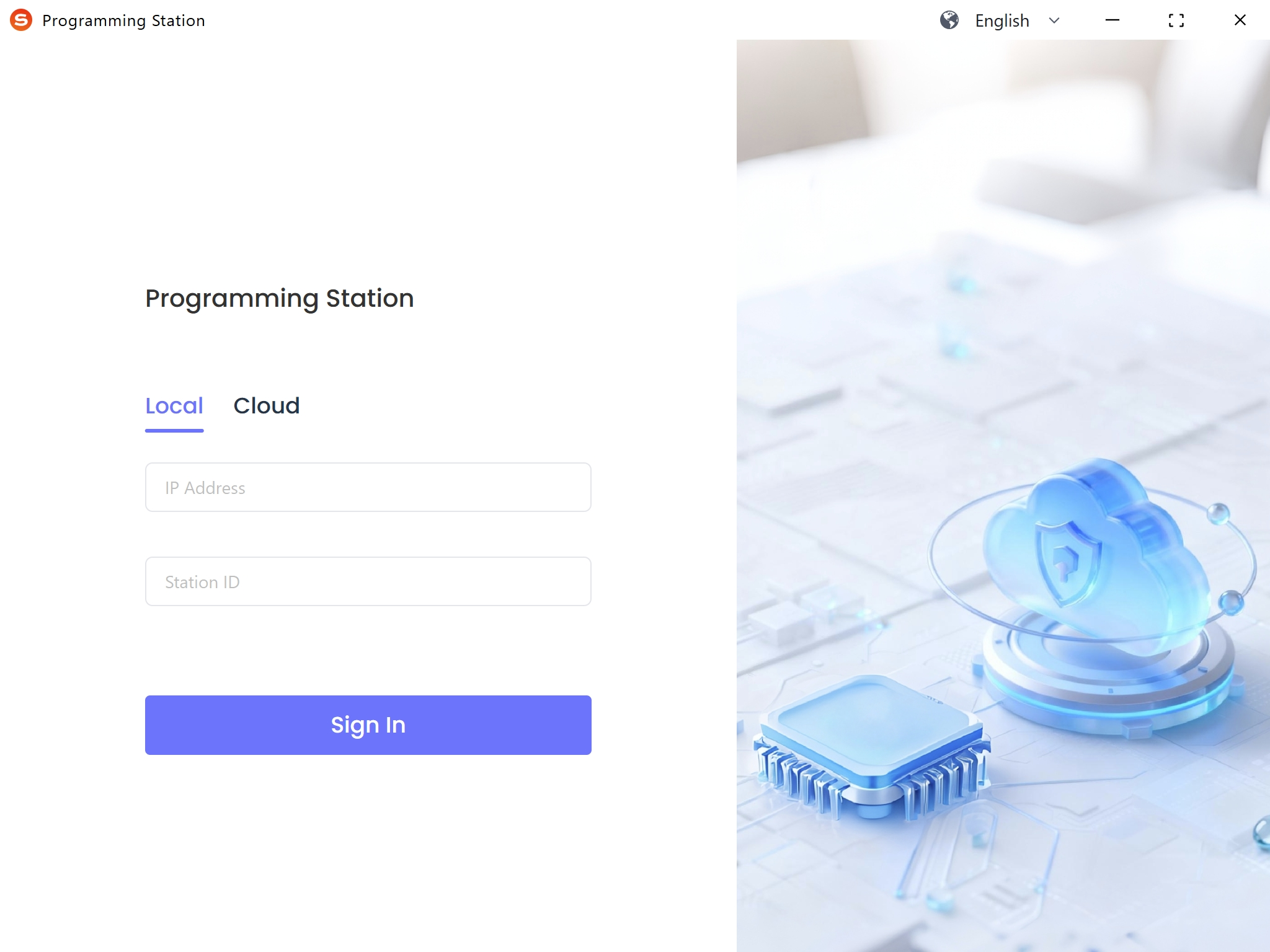
If the Run Programming Station check box is selected, the Programming Station client will start automatically.

 Download User Manual