How to uninstall Programming Station
info
Currently, the Programming Station client is available only on Windows.
This article will guide you on how to uninstall the Programming Station client.
Instructions
-
Right-click the client icon on the desktop or the Start menu, and then click Open file location.
-
In the installation location, find the file named Uninstall Programming Station and double-click to run it.
-
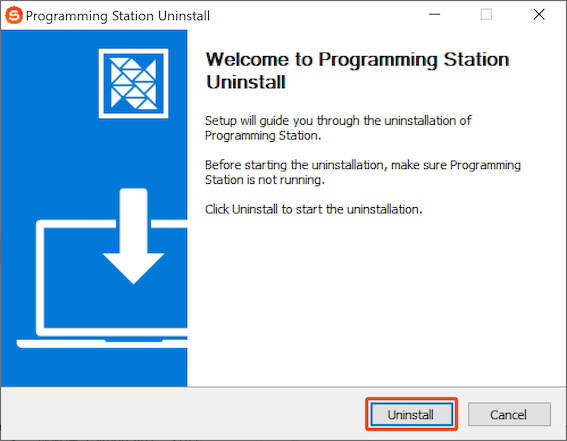
In the pop-up window, click Uninstall to start the uninstallation.
-
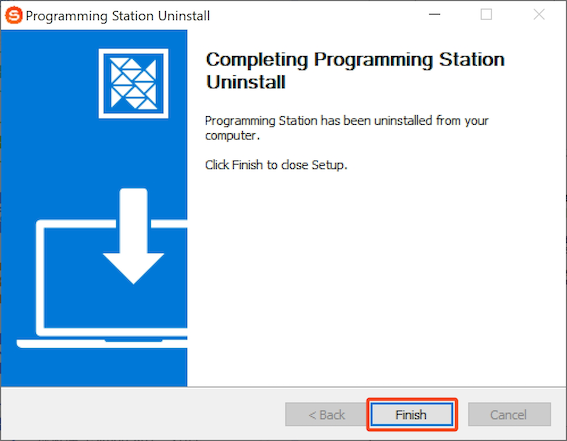
After the client is uninstalled, click Finish to complete the uninstallation.

 Download User Manual