How to manage certificates in OnBoard™ IoT Security
This article will guide you through the following operations in OnBoard™ IoT Security (OBIS):
- Manage certificate permissions
- Download a certificate
Prerequisites
Before getting started, please ensure that you have permissions for the corresponding certificate.
Manage certificate permissions
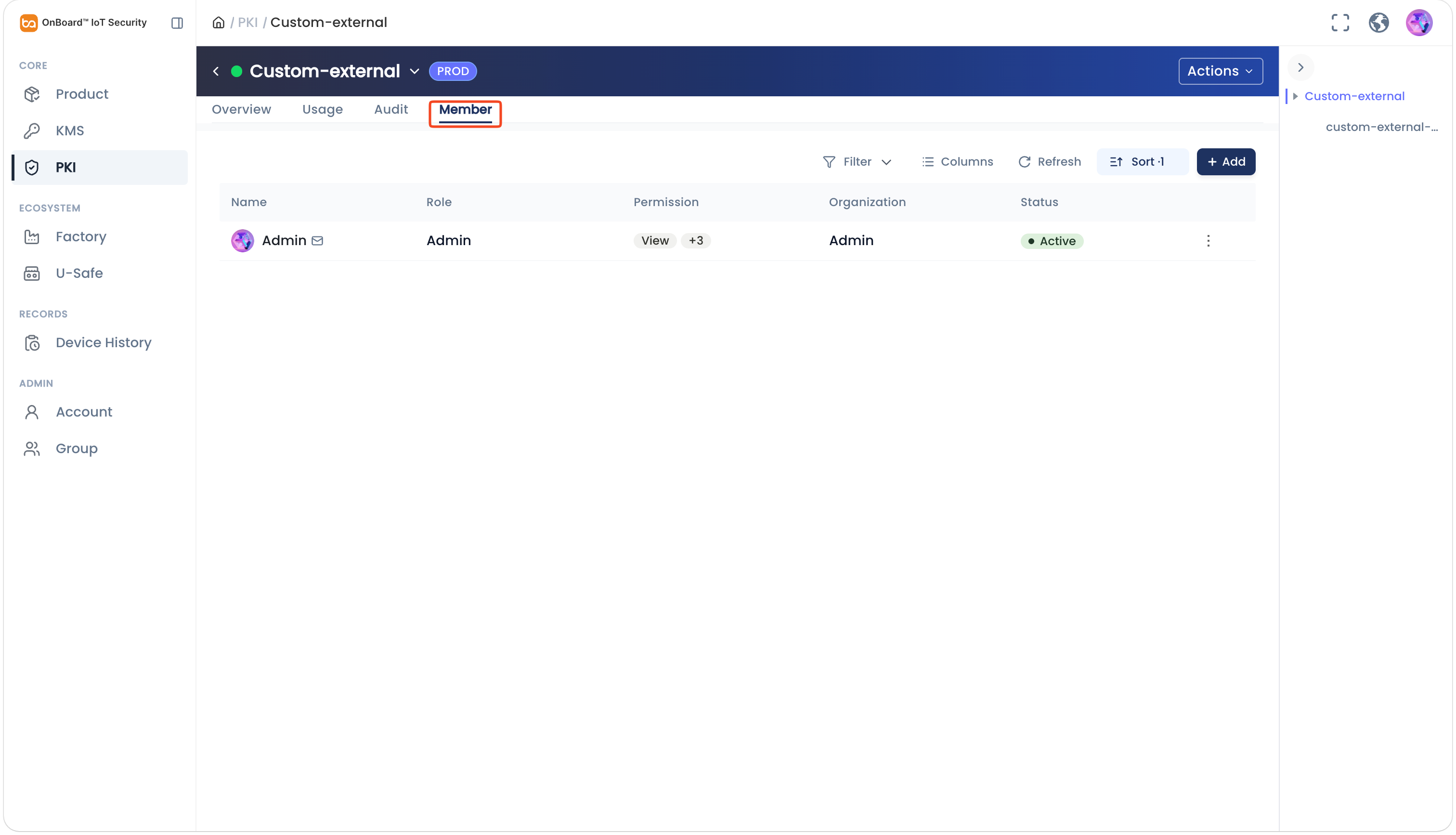
By default, the certificate creator is set as the Admin. To change the Admin, click the Options  icon for the Admin and select Transfer Admin on the Member tab, then choose the new Admin and click Confirm.
You can adjust and set user permissions (View, Edit, Create Authorization, and Add Member) for certificates by following these steps:
-
Sign in to OBIS.
-
In the Core section of the left menu, click PKI, and then expand the corresponding certificate chain.
-
Select the corresponding certificate. On the certificate page, you can manage the user permissions for the certificate on the Member tab.
Download a certificate
Only certificates in the Active state can be downloaded, and the same user can download the same certificate a maximum of 10 times per hour.
-
Sign in to OBIS.
-
In the Core section of the left menu, click PKI. Expand the corresponding certificate chain, and then click the Options
icon for the corresponding certificate and select Download Cert.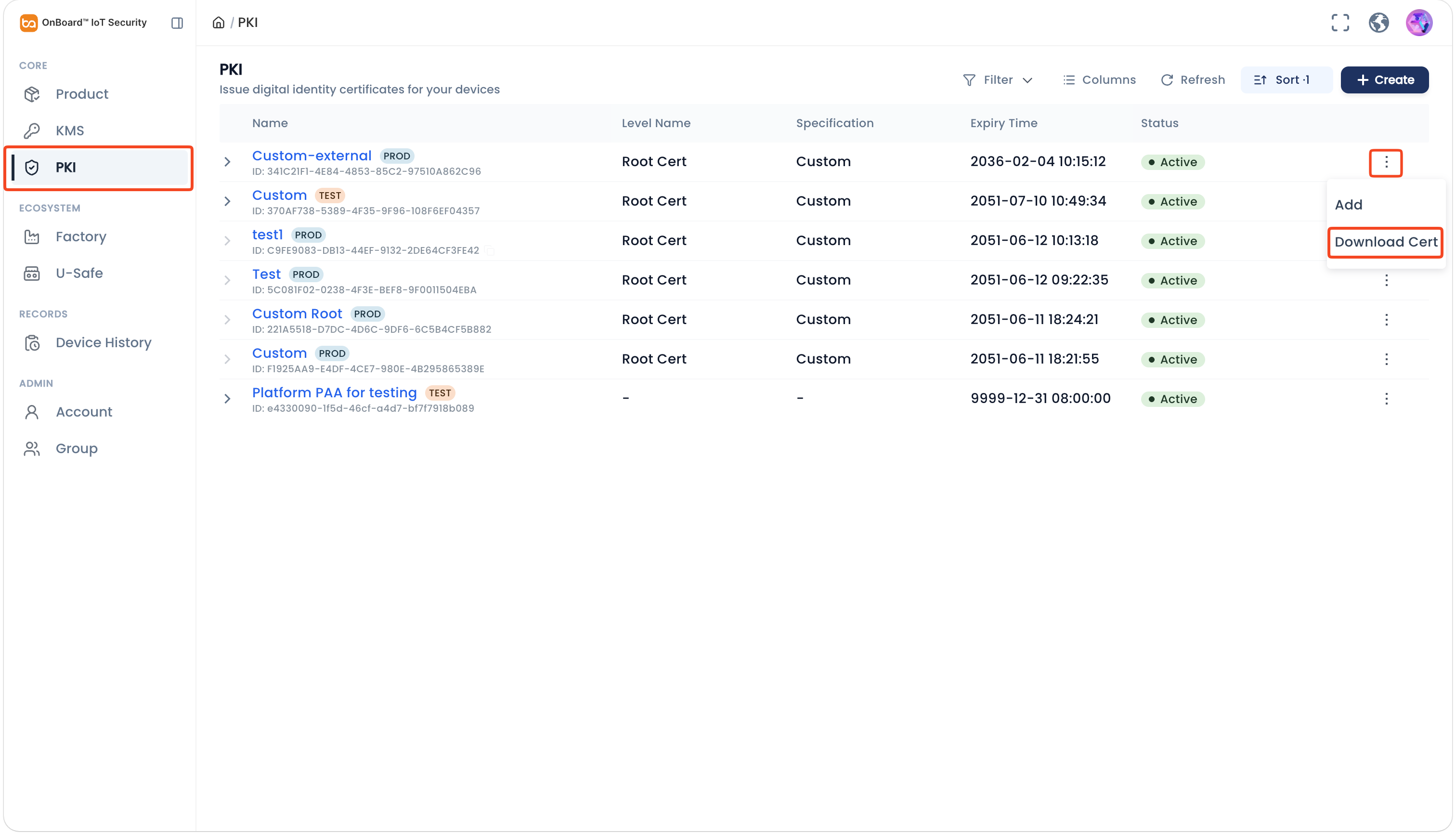

 Download User Manual