How to check products in OnBoard™ IoT Security
This article will guide you on how to check product basic information and configurations in OnBoard™ IoT Security (OBIS).
Prerequisites
Before getting started, please ensure that you have product role permissions for the corresponding product.
Instructions
-
Sign in to OBIS.
-
In the left menu, click Product, and then select the corresponding product to navigate to the product page.
tipThe product list includes both the products you are involved in and all products created within the tenant, with unarchived products displayed by default.
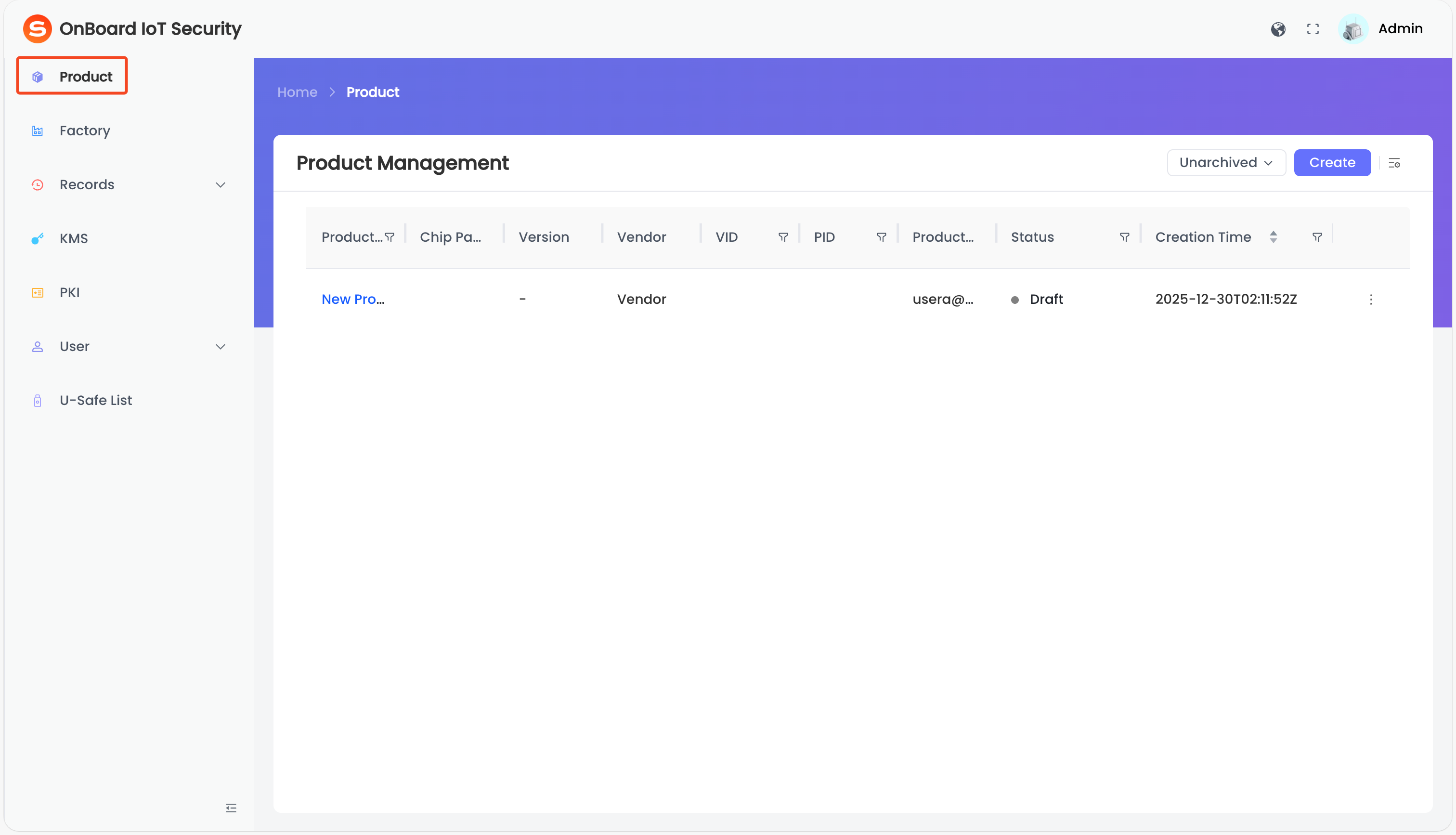
Description of product status:
Status Description Draft Status before a version is created. Released Status after a version is created.
Note: If all versions of a product are deleted, the product status will revert to Draft. -
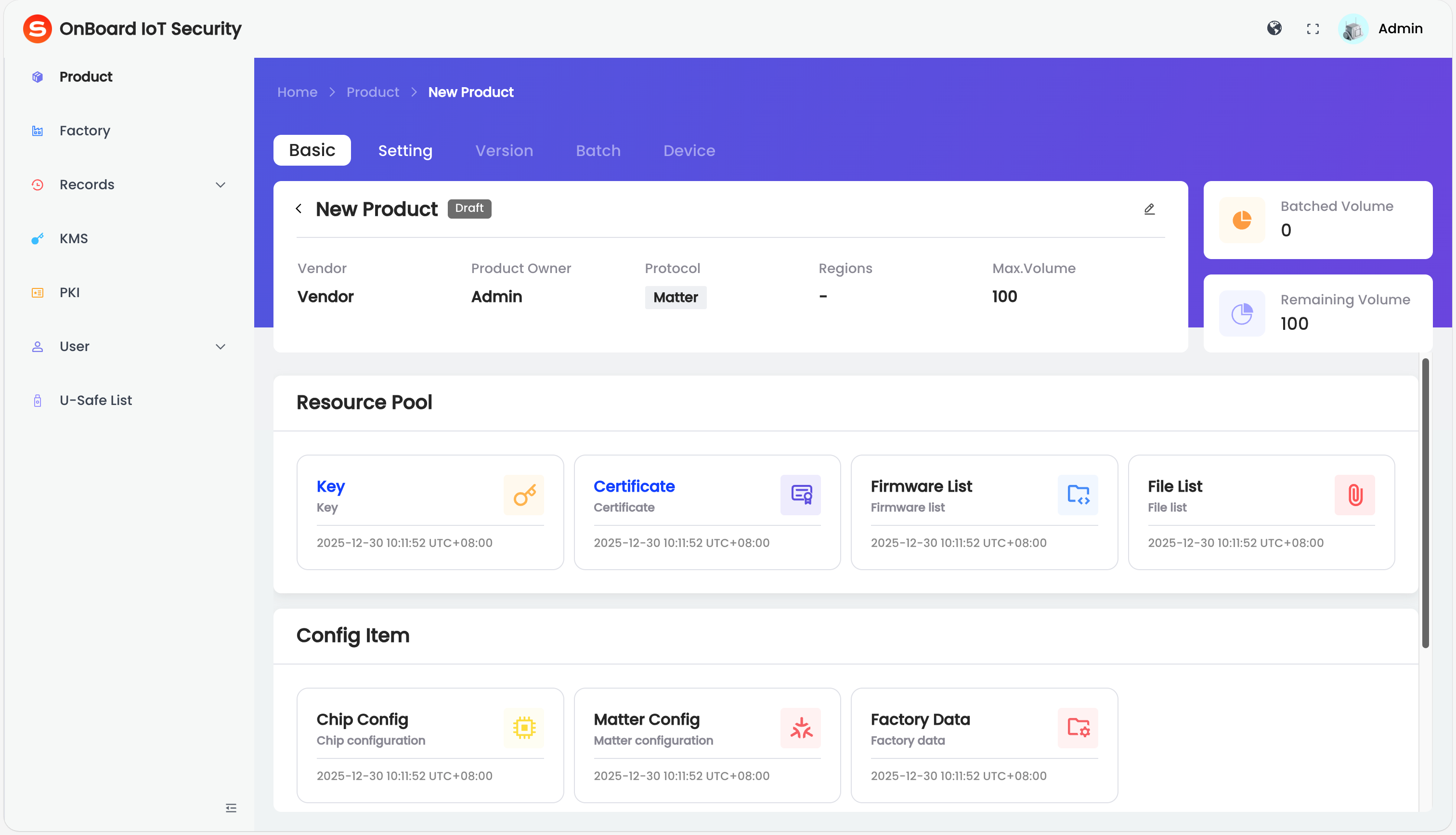
On the product page, you can check the product-related information (such as Vendor, Product Owner, and Protocol).

 Download User Manual