How to manage products in OnBoard™ IoT Security
On the configuration page of the corresponding resource, you can download the files uploaded when configuring Firmware List, File List, Matter Config, Factory Data, Programming Script, and Attachment Files.
This article will guide you through the following operations in OnBoard™ IoT Security (OBIS):
- Edit product information
- Archive or unarchive a product
Prerequisites
Before getting started, please ensure that you have product role permissions for the corresponding product: Product Owner or Product Manager.
Edit product information
-
Sign in to OBIS.
-
In the left menu, click Product, and then select the corresponding product to navigate to the product page.
-
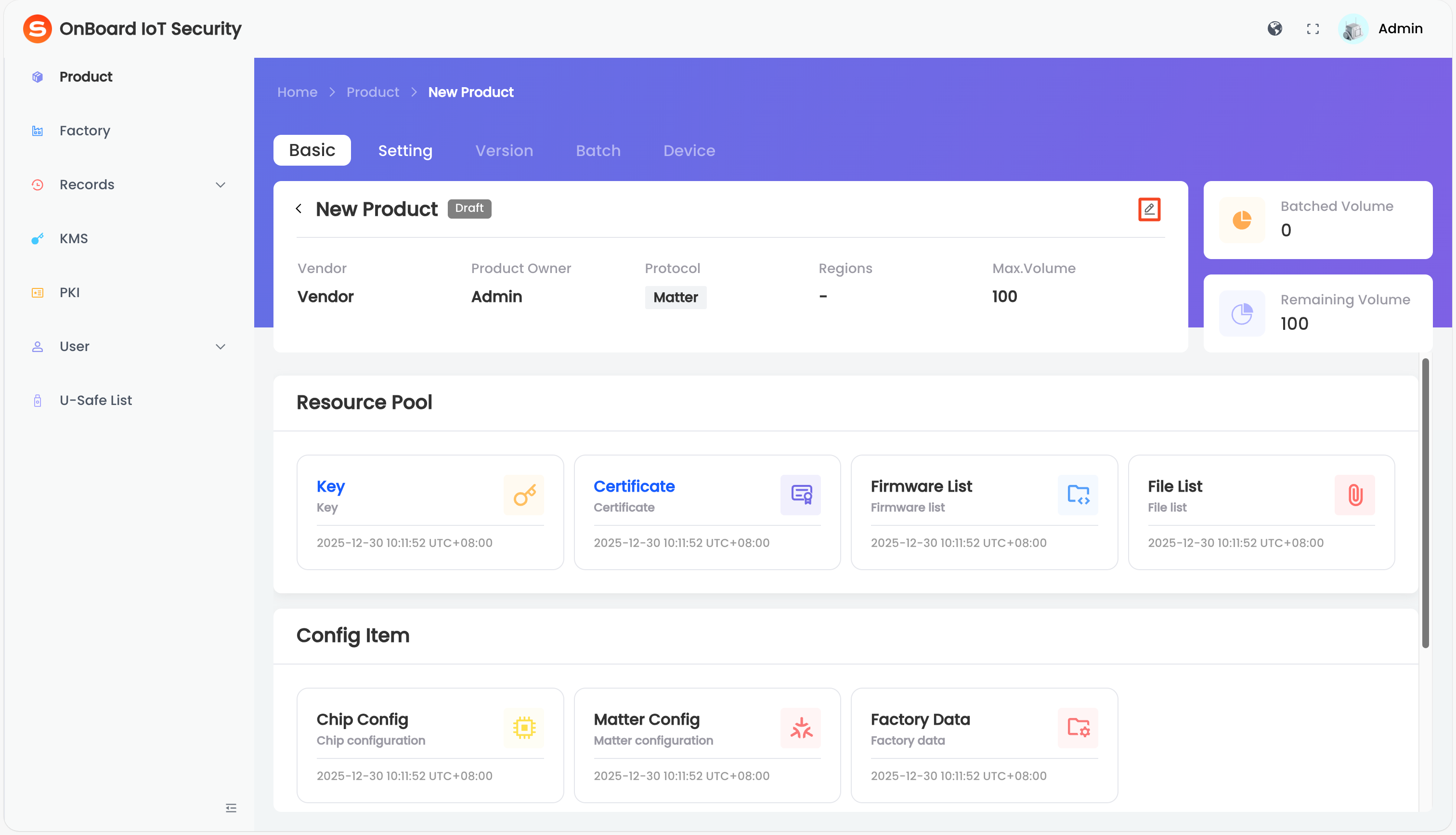
On the Basic tab, click the Edit
 icon to change the product information (such as Product Name, Vendor, and Product Owner).
Archive or unarchive a product
The product list defaults to displaying unarchived products. Once a product is archived, no further editing can be made, including information modifications, resource configuration, version creation, and batch creation.
-
Sign in to OBIS.
-
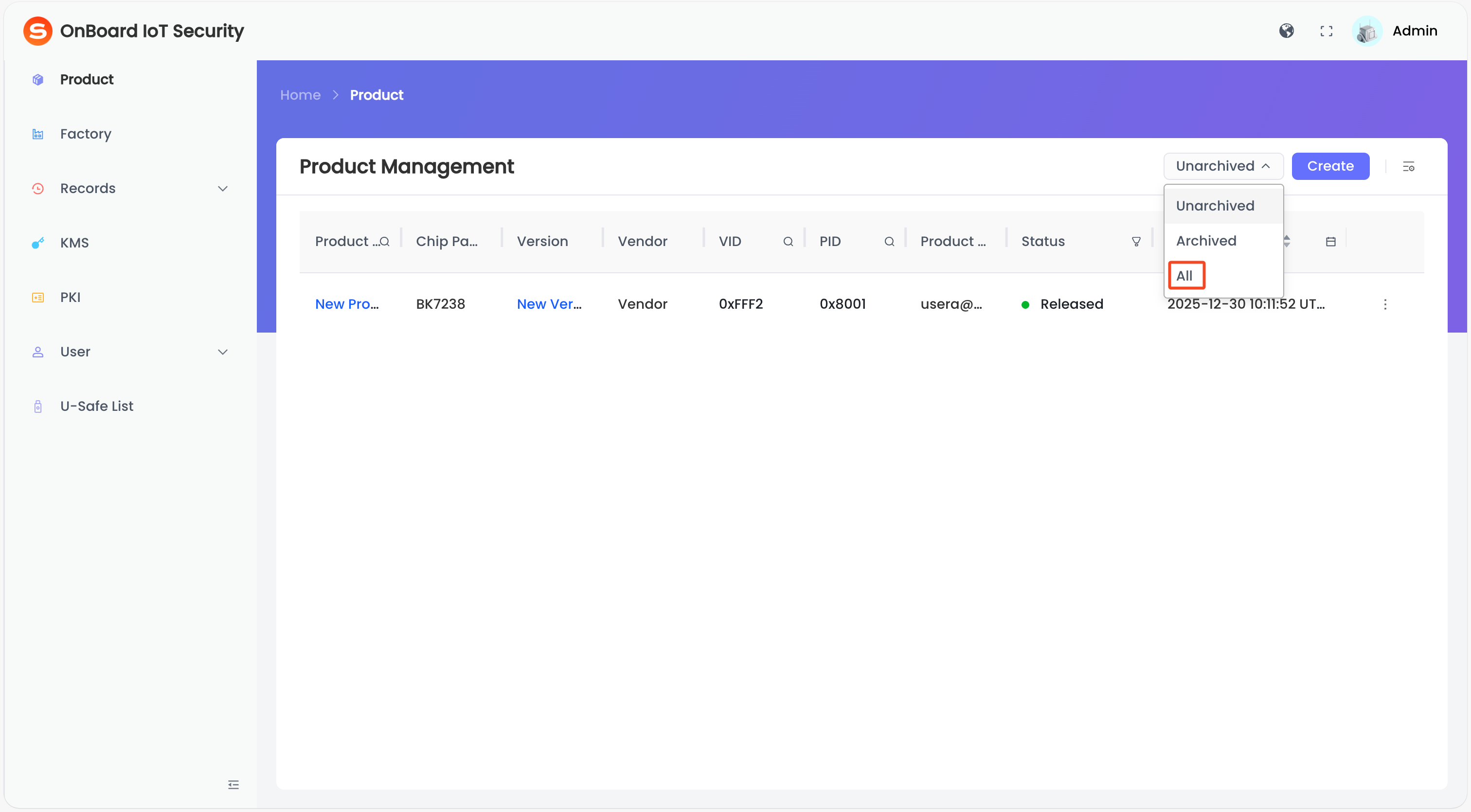
In the left menu, click Product, and then select All in the top-right corner of the Product Management page.
-
Click the Options
 icon for the corresponding product and then select Archive or Unarchive to archive or unarchive the product.

 Download User Manual