How to check versions in OnBoard™ IoT Security
This article will guide you on how to check version information and configuration in OnBoard™ IoT Security (OBIS).
Prerequisites
Before getting started, please ensure that you have product role permissions for the corresponding product.
Instructions
-
Sign in to OBIS.
-
In the Core section of the left menu, click Product, and then select the corresponding product to navigate to the product page.
-
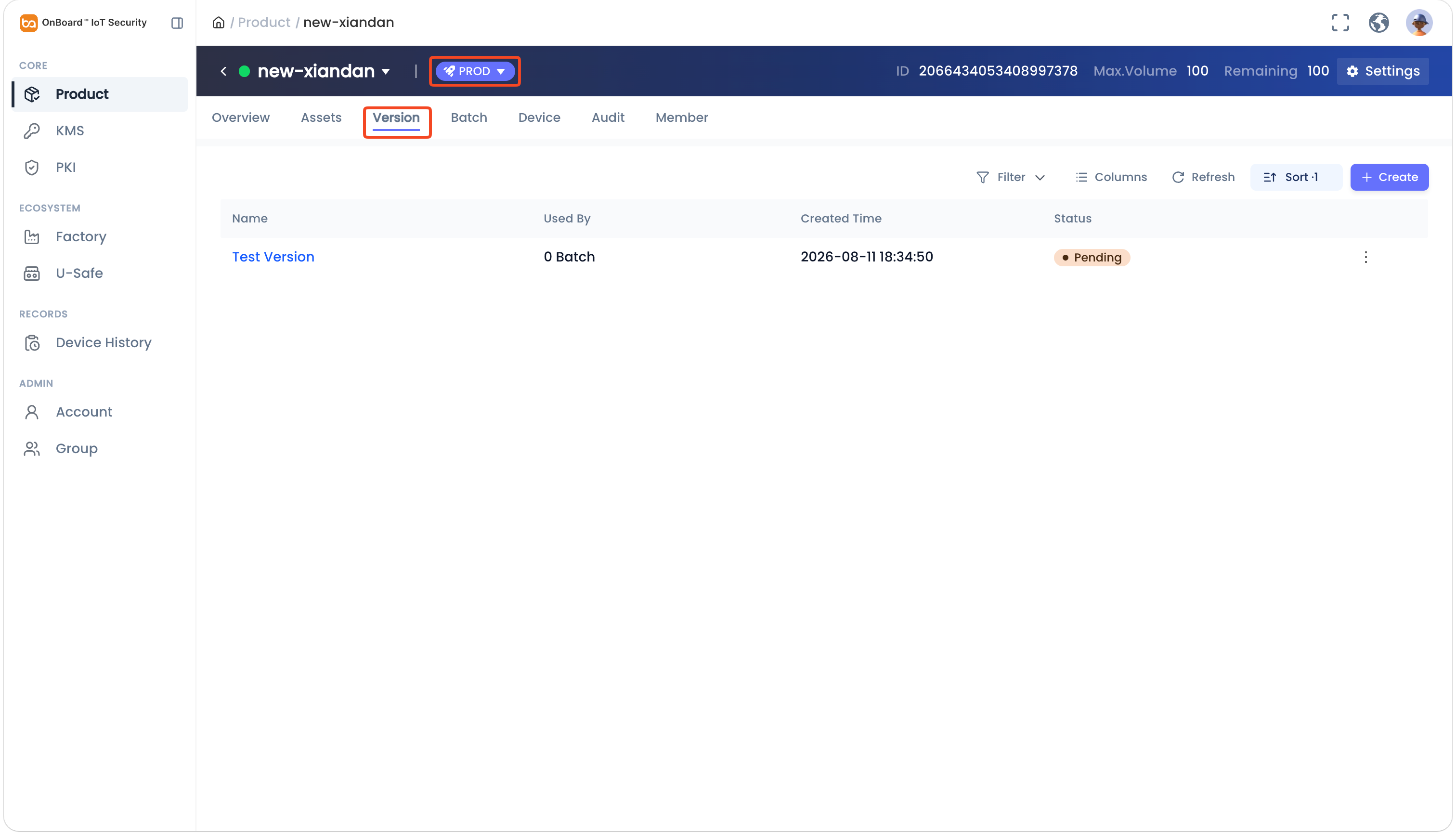
On the product page, select the TEST or PROD environment. Select the Version tab, and then select the corresponding version to navigate to the version page.
tipClick the Filter
 , Sort
 , Refresh
 , and Columns Options
 icons to filter, sort, refresh data, and to customize which columns are shown and how they are ordered.
-
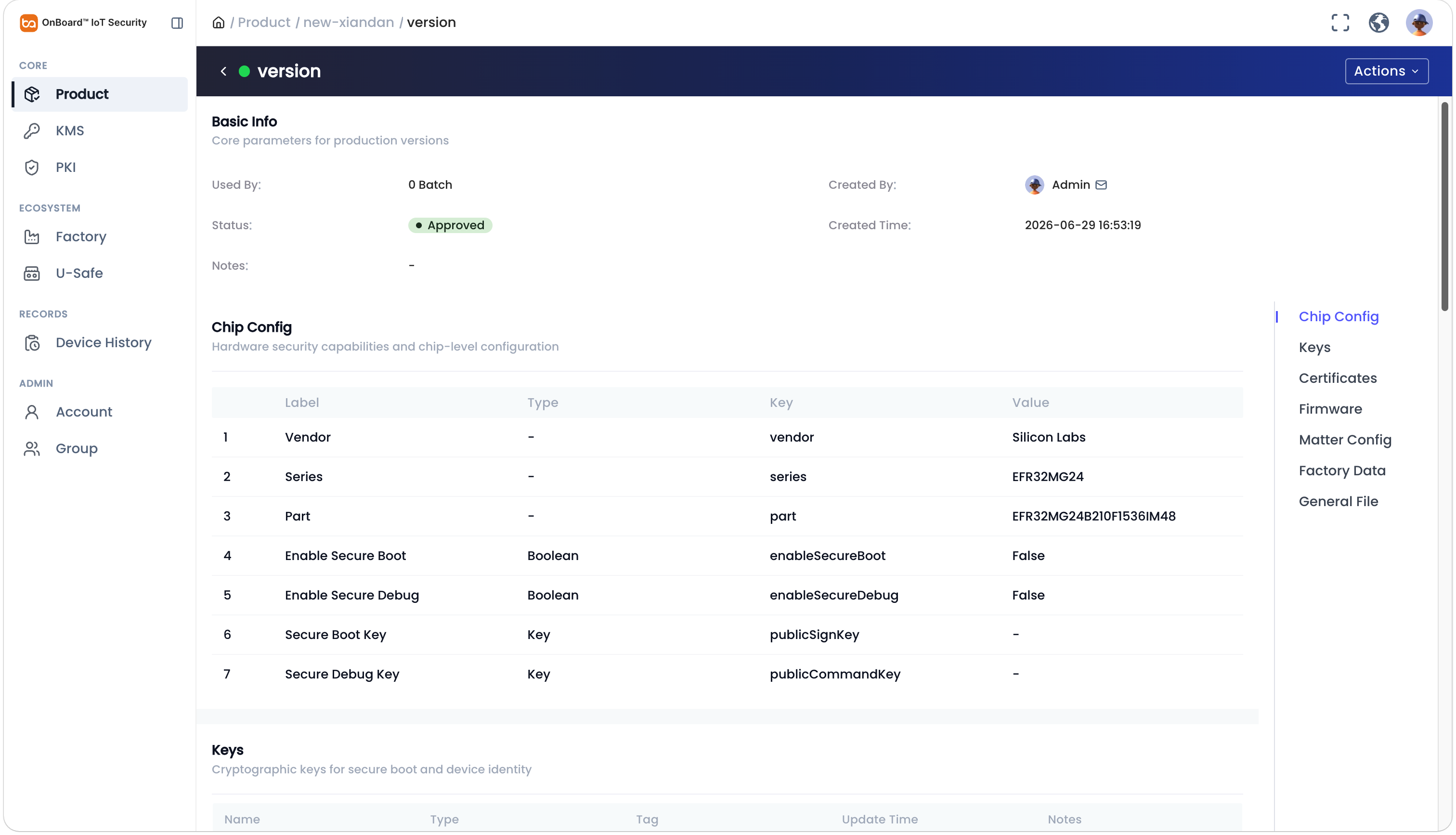
On the version page, you can check the version-related information (such as Chip Config, Certificate, and Firmware).

 Download User Manual